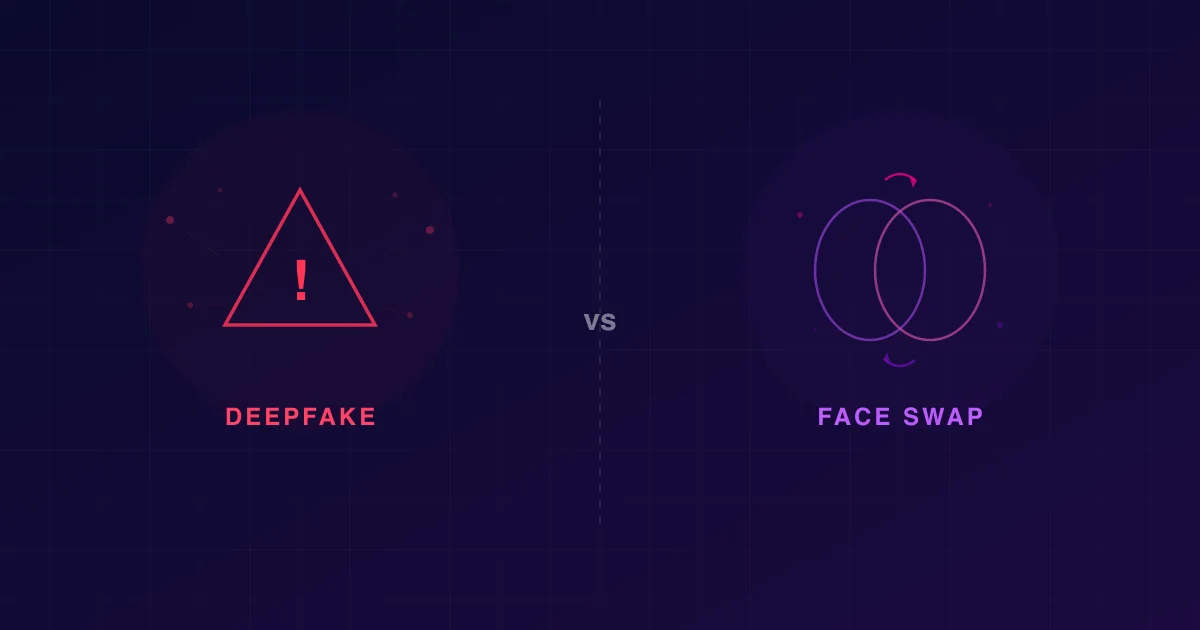
Face Swap vs Cartoon Avatar Apps: What's the Difference?
Updated: June 14, 2026
People search “face swap” and “cartoon avatar” as if they’re the same kind of app. They’re not. One keeps you photoreal and changes where your face appears. The other keeps the photo and changes how you’re drawn. Download the wrong one and you’ll be frustrated — a face-swap app will never turn you into anime, and a cartoon-avatar app will never put your real face into a movie clip.
This guide draws the line clearly: what each category actually does, when to reach for which, and which app to start with for each job. No hype — just the difference, so you pick right the first time.
The one-sentence difference
Face swap replaces a face in a photo or video with a different face — the output stays photoreal. Cartoon avatar apps redraw your face in a cartoon or anime style — the output is intentionally stylized, not photoreal.
That’s the whole distinction. Everything below is detail.
Side-by-side: face swap vs cartoon avatar
| Face swap apps | Cartoon avatar apps | |
|---|---|---|
| What it does | Puts your face onto a different photo/video | Redraws your face in a cartoon/anime style |
| Output looks | Photoreal — like a real photo | Stylized — cartoon, anime, comic, etc. |
| Input | A source face + a target photo or clip | One selfie |
| Keeps you recognizable? | Yes — it’s literally your face | Yes, if the app retains likeness well |
| Typical use | Birthday post, meme, “me in this scene” | Profile picture, sticker, avatar, poster |
| Video support | Yes (short clips) | Usually photo-only (a still avatar) |
| Best starting app | Face Swap AI (Android) | ToonCam (iOS) · animefy-ai.com |
What face swap apps actually do
A face-swap app takes two inputs — a source face (you) and a target (a photo or short video) — and produces an output where the target now has the source face. Crucially, the result is photoreal: it’s meant to look like a real photograph or video, just with a different person’s face in it. Modern face-swap apps run inswapper-class AI models with downstream enhancers, and on a clean front-facing selfie the swap looks convincingly real on a phone screen.
You’d reach for face swap when you want to appear in something:
- Put your face into a friend’s vacation photo for a laugh.
- Swap into a short video clip — a dance, a scene, a meme.
- Make a “me as the lead” edit that still looks like a real photo.
The thing it will not do is turn you into a cartoon. Photoreal is the entire point of the category.
On the face-swap side, the clean 2026 pick is Face Swap AI — an Android app that does photo and video face swap in one flow, HD output, no watermark, no subscription, no signup wall, with anonymous device login and three free swaps to start. If photoreal “put my face in this” is the job, that’s the tool.
If you want the face-swap side: Face Swap AI does photoreal photo + video face swap — three free swaps, no watermark, no subscription, no signup.
Get Face Swap AI on Google Play →What cartoon avatar apps actually do
A cartoon-avatar (or anime) app takes one selfie and redraws your face in an art style — 3D cartoon, hand-drawn anime, comic ink, watercolor. The output is a stylized portrait of you. It’s not trying to look like a photo; it’s trying to look like art that’s still recognizably you. The hard part the good apps solve is likeness retention — committing fully to the style while keeping you identifiable.
You’d reach for a cartoon avatar app when you want to become a stylized version of yourself:
- A cartoon profile picture for social.
- An anime version of yourself for a sticker pack or group chat.
- A stylized poster or print from a single photo.
The thing it will not do is put your real face into someone else’s photo or a video clip. That’s a face-swap job.
For the cartoon/anime side, the dedicated 2026 pick on iPhone is ToonCam — built specifically to turn a selfie into cartoon and anime styles, not a face-swap app with a filter bolted on. The deeper cartoon/anime content — style guides, comparisons, how-tos — lives on its own site at animefy-ai.com.
Want a cartoon or anime avatar, not a face swap? ToonCam is the dedicated app for it on iPhone. See ToonCam on the App Store →
When to use which — a decision guide
Pick by what you want the output to look like:
- “I want it to look like a real photo, with my face in a different scene.” → Face swap. Start with Face Swap AI.
- “I want it to look like art — a cartoon or anime version of me.” → Cartoon avatar app. Start with ToonCam · animefy-ai.com.
- “I want my face in a short video clip, photoreal.” → Face swap (video). Face Swap AI does video in the same flow.
- “I want a stylized profile picture from one selfie.” → Cartoon avatar app. ToonCam. For the full cartoon-and-anime app breakdown, see turning a selfie into a cartoon or anime.
- “I want both, on different days.” → Get both. They’re complementary, not competitors — a cartoon avatar for your profile, a face swap for a post.
”Can’t one app do both?”
Some apps advertise a cartoon filter alongside face swap, but a bolted-on filter is rarely as good as a dedicated stylization app — the cartoon styles look generic, and the likeness retention is weaker. The reverse is also true: a cartoon app won’t give you a real face swap. The clean approach in 2026 is to use the right tool for each job:
- Photoreal face swap → Face Swap AI (Android), no watermark, no subscription.
- Cartoon / anime avatar → ToonCam (iOS), with the full style breakdown at animefy-ai.com.
They’re cheap (or free) to try, so there’s no reason to force one app to do a job it’s not built for.
The bottom line
Face swap = photoreal, your face somewhere new. Cartoon avatar = stylized, you redrawn as art. That’s the difference, and it’s the difference that decides which app to download. If you want to appear in a photo or clip and have it look real, that’s face swap — Face Swap AI is the Android pick. If you want to become a cartoon or anime version of yourself, that’s a cartoon-avatar app — ToonCam on iPhone, with the deeper cartoon/anime guides at animefy-ai.com.
Still on the face-swap side? The best AI face swap apps for Android ranks the photoreal field, and how AI face swap works explains the tech under the hood.
Ready for the face-swap side? Three free swaps. No watermark. No subscription. No signup.
Download Face Swap AI on Google Play →FAQ
What’s the difference between face swap and a cartoon avatar app?
Face swap puts your real face onto a different photo or video and keeps the output photoreal — it looks like a real photo with a different face in it. A cartoon avatar app redraws your face in a cartoon or anime style from one selfie, so the output is intentionally stylized, not photoreal. Different jobs: face swap to appear in something, cartoon apps to become a stylized version of yourself.
Can a face swap app turn me into a cartoon or anime?
No. Face-swap apps are built to keep the output photoreal — they won’t stylize your selfie into a cartoon or anime. For that you need a dedicated cartoon/anime app like ToonCam, with the full style breakdown at animefy-ai.com.
Can a cartoon avatar app do a real face swap?
No. Cartoon avatar apps redraw your own face in a style; they don’t place your real face onto a different photo or video. For a photoreal swap, use a face-swap app like Face Swap AI.
Which should I use for a profile picture?
If you want a stylized profile picture — a cartoon or anime version of yourself — use a cartoon avatar app like ToonCam. If you want a photoreal profile picture with your face placed into a specific scene, that’s a face-swap job (Face Swap AI).
Is one of them free?
Both categories have free tiers, but terms vary. On the face-swap side, Face Swap AI gives three free swaps with no watermark and no subscription, using anonymous device login. Cartoon/anime apps vary on paywalls — check the specific app before committing a selfie.
Do I need both apps?
Only if you want both jobs done. They’re complementary: a cartoon avatar app for a stylized profile or sticker, and a face-swap app for photoreal “put my face in this” posts and clips. Many people keep both for exactly that reason.