How Does AI Face Swap Work? A Plain-English Guide
AI face swap apps look like magic from the outside: pick a face, pick a target photo or video, tap a button, and the result comes back in seconds. Underneath, it is a fairly small pipeline of well-understood computer-vision steps. This guide walks through how AI face swap works in plain English — what the model is actually doing on each frame, why some swaps look photorealistic and others look uncanny, why video is harder than a single photo, and what you should think about before uploading your face to any app.
The goal here is to explain the technology honestly so you can judge any face swap app — including ours — on its real strengths and trade-offs.
How Does AI Face Swap Work?
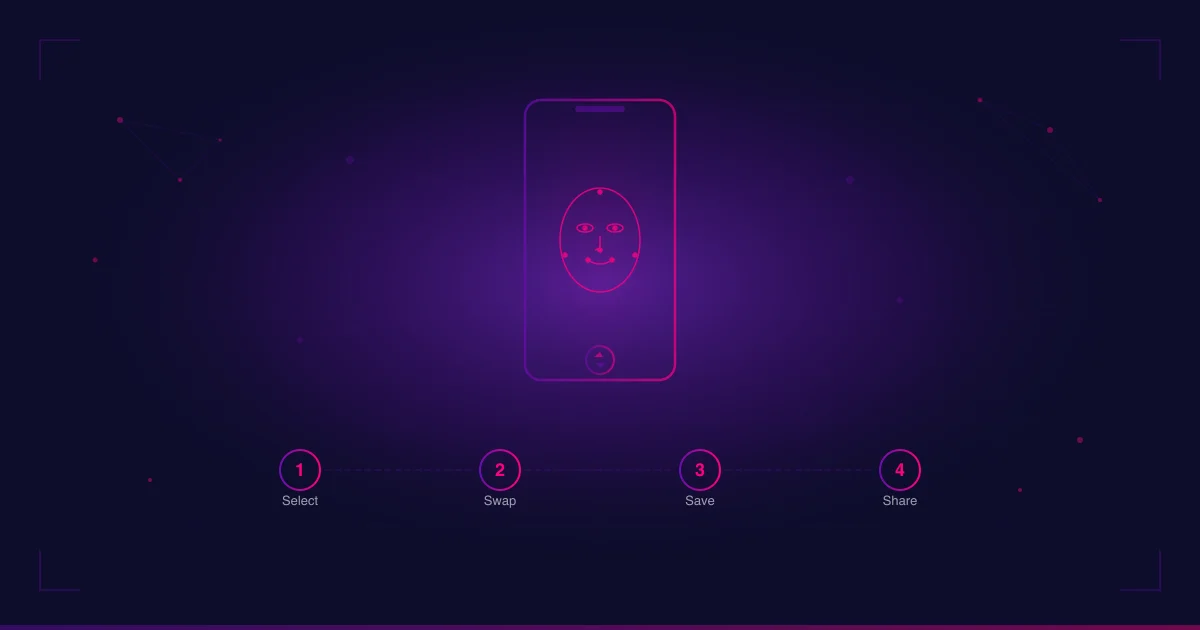
At a technical level, modern AI face swap is a four-stage pipeline. Every serious app on the market runs some version of these four steps, even if the marketing copy hides them behind one big “Swap” button.
1. Face detection. The first job is finding the face. A detector model scans the source image (the face you want to use) and the target image or video frame (where you want that face to appear). It returns one or more bounding boxes — rectangles around each face it finds. Detectors fail when a face is partially covered, extremely small, tilted past a certain angle, or shot in very low light. When you see an app refuse to swap, this is usually the step that gave up.
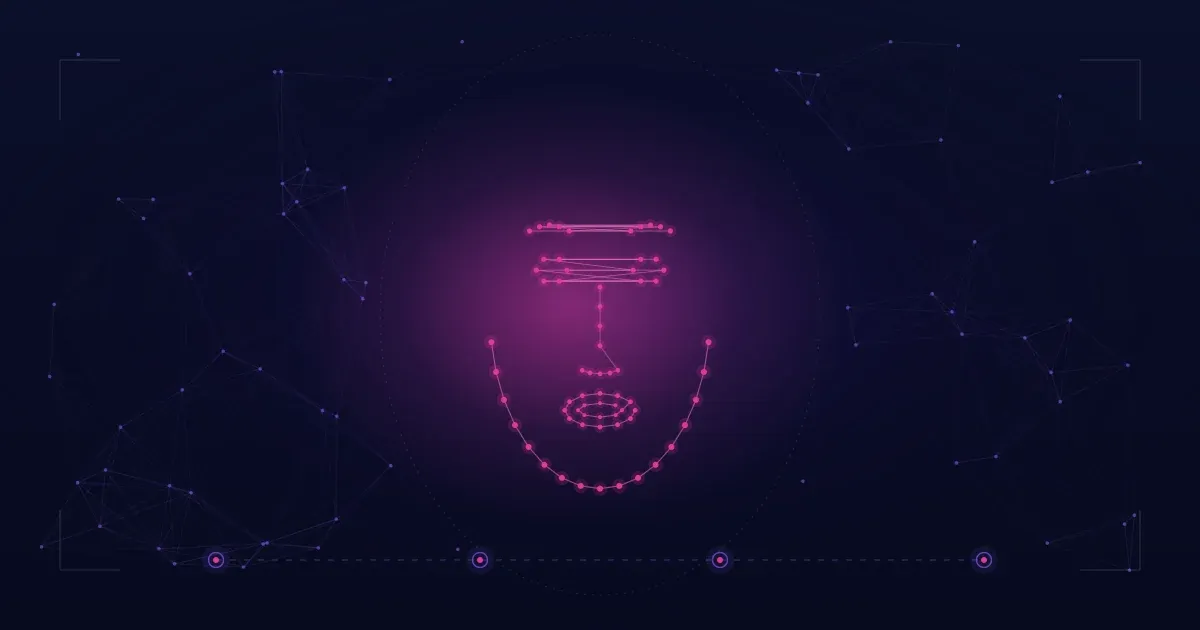
2. Landmark mapping. Once a face is found, a separate model puts dots on it — eyes, eyebrows, nose tip, mouth corners, jaw outline. These landmarks are how the system understands the geometry of both faces: where the eyes sit relative to the nose, how wide the mouth is, the tilt of the head. Landmark mapping is what lets the swap respect angles and expressions instead of just pasting a flat face onto another head.
3. Encoder/decoder swap. This is the AI-heavy step. The source face is fed into an encoder, which compresses it into a numerical representation of identity — essentially a list of numbers that describe what makes that face that face, separate from the pose and lighting. A decoder then reconstructs that identity onto the target face’s geometry. The most common open model family on mobile face swap apps today is the inswapper-class of models, which run at 128-pixel resolution and produce solid results on clean, front-facing photos. A newer family, the hyperswap-class (for example hyperswap_1c_256, which operates at 256 pixels), is becoming the industry direction for higher-fidelity output. Either way, the principle is the same: keep the target’s pose and lighting, replace the identity.
4. Blending. The swapped face has to be glued back into the target image. A blending stage adjusts color tone, skin texture, edge softness and lighting so the new face matches the surrounding pixels. Many apps also run an optional enhancer (GFPGAN, CodeFormer and similar) at the end to sharpen the result. Blending is where most “obviously fake” swaps fall apart: if the seam around the jaw is too hard or the color tone is off, the human eye spots it instantly.
That is the whole pipeline. Detect → map → swap identity → blend back in. Everything else — templates, filters, custom looks — sits on top of those four steps.
Why Some AI Face Swaps Look Real and Others Look Uncanny
If the pipeline is the same across apps, why does quality vary so much? Four factors do most of the work.
Lighting match. The model can copy your identity, but it cannot invent new light. If the source selfie was shot in flat indoor light and the target photo has hard side lighting from a window, the swapped face will look pasted on. The blending step does its best, but it cannot fully re-light a face. The fix is on the input side: pick a source face shot in lighting roughly similar to the target.
Head angle. Landmark mapping gets less accurate as the face turns away from the camera. A clean front-facing source swapped onto a strong three-quarter or profile target will usually lose detail around the cheekbone or jawline. Apps that claim to handle “side angle, head swap, full portrait” are honest about a real limit — they handle these cases, just not as cleanly as a straight-on shot.
Expression. If the source face is neutral and the target face is mid-laugh, the swap has to invent the missing mouth shape from your face. The decoder estimates what your mouth would look like at that expression, but estimates are estimates. Faces with extreme or atypical expressions are where uncanny results show up most often.
Model resolution. A 128-pixel model has fewer numbers to work with than a 256-pixel one. On a small phone preview, both look fine. On a full-resolution photo or a video upscaled for sharing, the 128-pixel result can look softer, especially around the eyes and hairline. This is exactly why the industry is moving toward higher-resolution model families.
Put those four together and you can usually predict the result before you tap swap: matching lighting, near-front angle, similar expression, decent model resolution → realistic. Mismatched lighting, extreme angle, weird expression, low-resolution model → uncanny.
Single-Frame Photos vs. Video — Why Video Is Harder
Swapping a face into a single photo is one decision: get the four pipeline stages right once. Video multiplies the problem by however many frames you have.
A 5-second clip at 30 frames per second is 150 separate swaps. If each frame is solved in isolation, the identity can drift slightly between frames — the nose looks a touch wider in frame 47 than frame 46, the cheekbone catches different light in frame 92 — and your eye reads that wobble as “fake,” even when each individual frame looks fine on its own. This is the temporal consistency problem, and it is the quality battle the category is fighting in 2026.
Older pipelines treated video as a stack of independent photos. Newer pipelines — the direction Facefusion 3.6.1 paired with hyperswap_1c_256-class models points at — track identity and pose across frames so the swap stays stable as the head turns, the mouth moves, and the light shifts. This is described here as industry direction, not as a feature of any specific app. Where an app sits on that direction is something you can judge by watching a few seconds of its video output: does the face hold its shape when the subject turns, or does it shimmer?
For everyday users this means two practical things. First, photos are usually a safer test of an app’s quality than video — a perfect-looking photo swap does not guarantee a frame-stable video swap. Second, when you compare video swap apps, watch them in motion, not in still frames lifted out of context. If you want to put this into practice, our step-by-step guide on how to face swap a video covers the clip settings — length, lighting, and angle — that keep the temporal consistency described here from breaking down.
Is Face Swap AI Safe? Privacy Considerations to Think About
“Is face swap AI safe?” is one of the most common questions about this technology, and the honest answer is: it depends on the app, not the technology. The pipeline above does not require an app to mistreat your data. Many apps do anyway. Four things are worth thinking about before you upload a face anywhere.
1. Consent. Only swap faces you have the right to use — your own face, or the face of someone who has clearly agreed. This is not just legal hygiene; it is the single most important ethical line in the category. No app, ours included, can verify consent for you; that part is on the user.
2. What the app does with your uploads. When you upload a face, where does that file go and how long does it stay there? Look for a privacy policy that names a retention window in days or hours, not “as long as necessary.” The good answers say something concrete: files are used for the swap and then discarded; the swap result is stored in your account or on your device, not in a permanent training dataset.
3. Watermark vs. unwatermarked output. Watermarks are not directly a privacy issue, but they are a trust signal. A watermark on free output means the app’s monetization model is built on you upgrading to remove it. An app that gives you unwatermarked output on free swaps is usually trying to win you with the product, not trap you with the paywall. That tells you something about how the team thinks about users.
4. Anonymous account vs. forced signup. Apps that require email, phone, or social login on first open are building a profile of you whether you swap anything or not. Apps that use an anonymous device key — a random identifier per install, not tied to who you are — collect strictly less personal data. If the only reason an app needs your email is to send you marketing, ask whether the swap is worth the trade.
None of these are unique to face swap apps. They apply to every photo or video tool you put on your phone. Face swap apps just happen to ask for the most personally identifiable thing you own — your face — which raises the stakes.
FAQ
Is face swap AI safe?
The technology itself is neutral — it is the same computer-vision pipeline used in many photo and video tools. Whether a specific face swap app is safe depends on its privacy practices: what it does with uploaded files, how long it stores them, whether it forces a profile, and how transparent its policy is. Read the privacy policy, check the four points above, and only swap faces you have consent to use.
Can AI face swap be detected?
Yes, often. Forensic tools and a growing list of platform-side detectors look for the kinds of artifacts described earlier — slight lighting mismatches, edge softness around the jawline, subtle frame-to-frame inconsistency in video. Detection accuracy is rising as detection models improve. Treat any face swap output as a creative or personal-use artifact, not a way to fool a verification system or pass content off as unedited.
Do face swap apps store my photos?
It varies. Some apps keep uploaded files indefinitely to train their models. Others discard the source file after the swap is generated and keep only the final result in your account, or only on your device. There is no industry standard — you have to read each app’s privacy policy. If a policy is vague about retention or training use, treat that as a meaningful signal, not a footnote.
A Note on Trying One Yourself
If you want to try a face swap app that respects the four points in the privacy section — anonymous device login, files used only for the swap and then discarded, unwatermarked output, no subscription nudges — Face Swap AI is built around those principles. It is one option, not the only one; the rest of the category is worth comparing on the same lens.
For broader app comparisons on Android, see our roundup of the best AI face swap apps for Android. If you specifically care about video as well as photo output, see the best face swap apps for photo and video — the photo-vs-video distinction in this guide is exactly the lens that piece applies to real apps.